Perot Artifax - AR Experience
Software Used:

Unity
The Fossil Finder Artifax App was a temporary exhibit at the Perot Museum in Dallas developed by Groove Jones. My role as Technical Artist was look development and implementation of the unique style desired for the app.
Below are select effects I created shaders for, using the Amplify Shader Editor in Unity.
The AR Dig Hole

The app featured a 'scanner' which reveals artifacts underneath the ground. The grey area of the GIF above is composited on the device with camera Pass-through (see embedded video at top of page for ex).
The creative direction I was given was for an effect that unmasked a virtual floor within a hole, and I was given a pre-vis video of the desired effect. I achieved the effect with 2 elements:
-
A cylindrical mesh with a shader that applied vertex displacement in world space to achieve the desired look, where the hole was meant to be stationary when users stayed put, but flowed with movement as the user scanned.
-
A flat plane with a pass through material and a stencil cutout that was written by the hole shader.
I was provided textures for this effect, but created all other assets.

Fossil Shader

There was, again, a very specific creative direction I was tasked with executing; this shader required an asset to be able to transition between a stylized and fully PBR look.
For the stylized pattern I used world space mapping to pan a texture along the object, and exposed some parameters to tweak the final look. I then lerp'ed between that and the standard PBR looks, per PBR channel.

The rainbow outline is a second very simple material that scaled the vertex normals and used a rainbow gradient texture in screen space, and the material was given lower render queue in order to be written behind the main shader.
Ground Coverage Shader
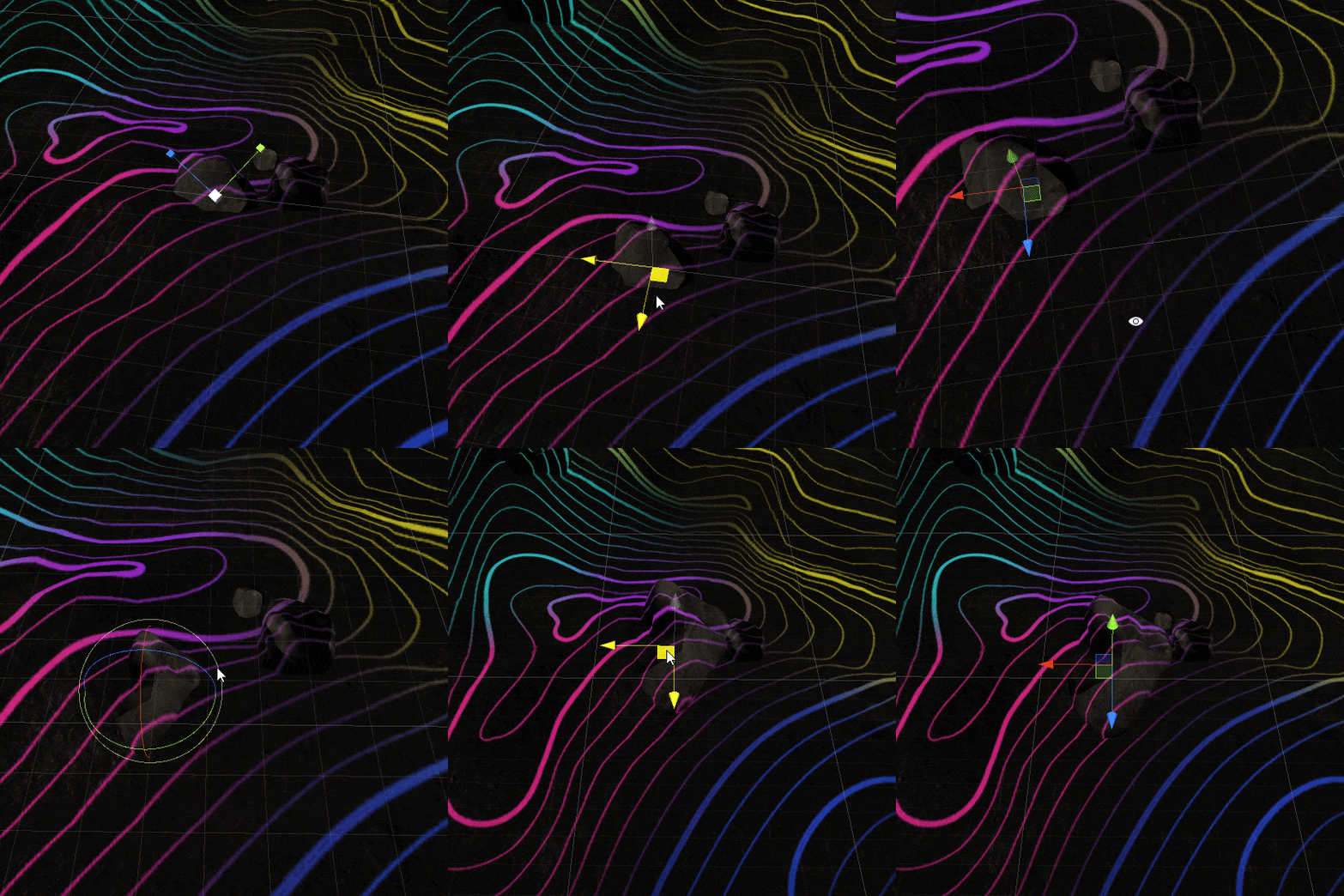
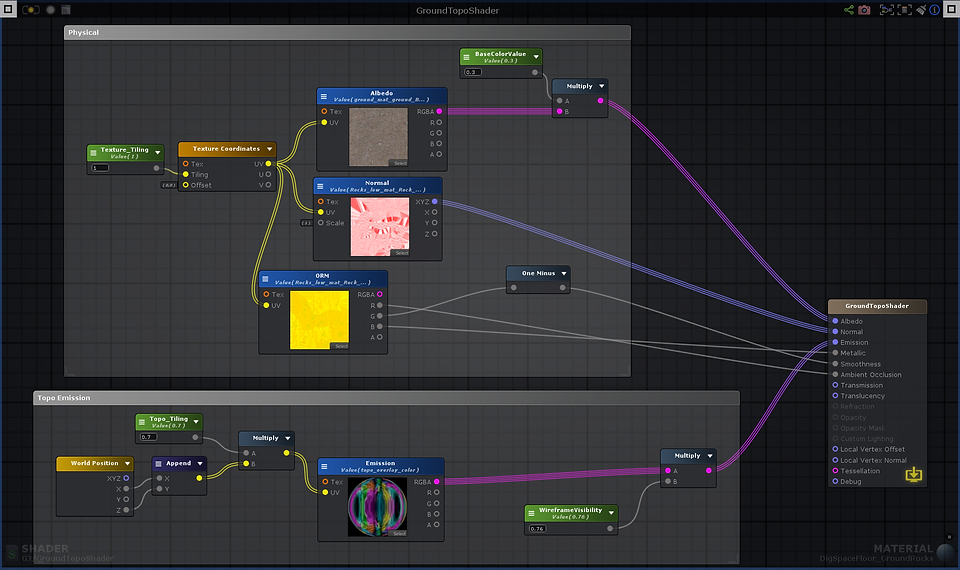
For the ground around the revealed artifacts, we wanted a stylized topographical look projected over everything. I did this simply by mapping the topographical texture using the x and z coordinates. This allowed us to experiment with different rock placements along the ground while maintaining the desired look.