Senior Technical Artist
Editor & Gameplay Tools
Below are various personal projects using Unity or Unreal to either improve on workflows, coordinate some Art assets, or just generally make up some larger interaction/effect
Destructible Asset
Setup Tool
Project Type
Editor Tool (with gameplay manager)
Software Used
Unity
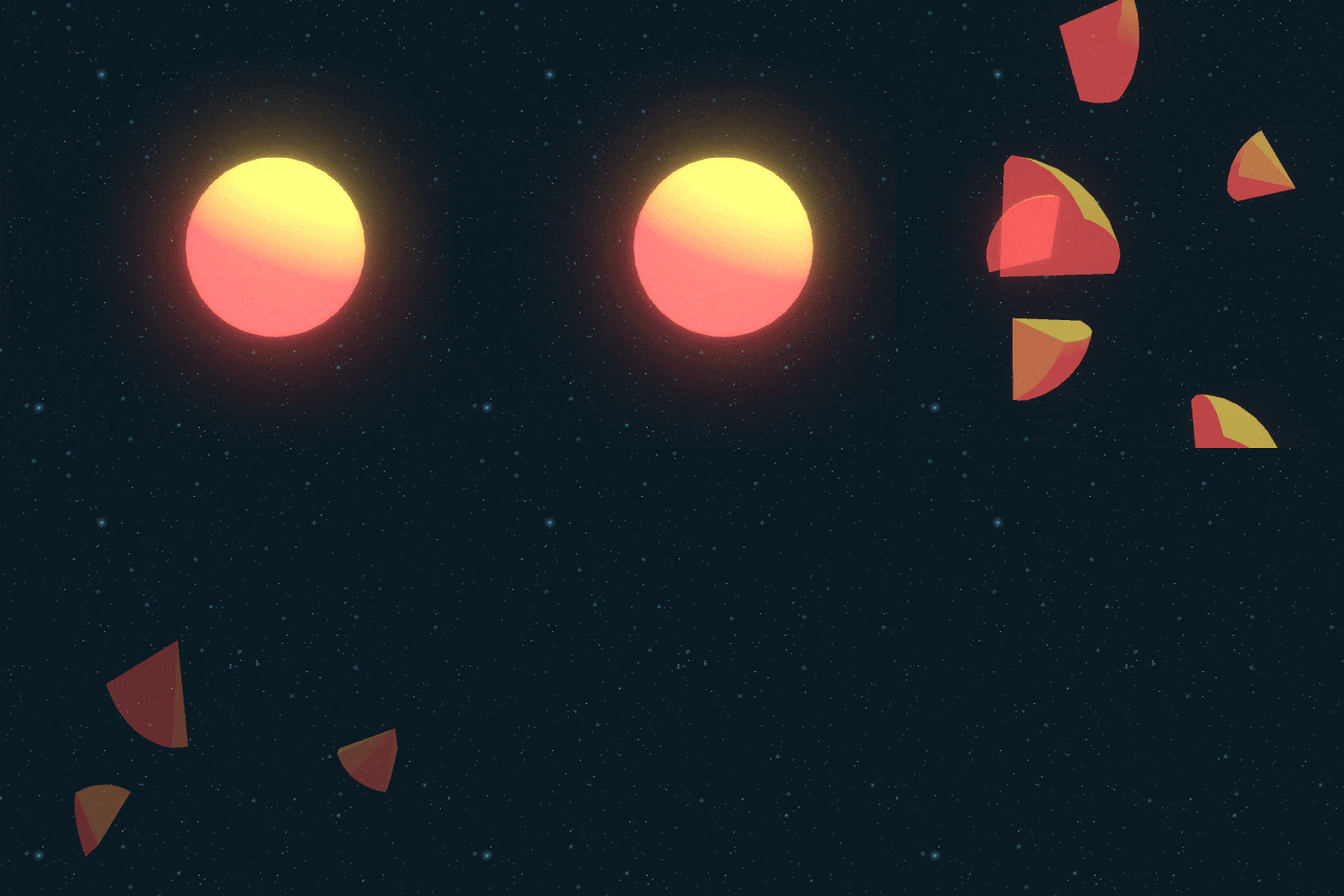
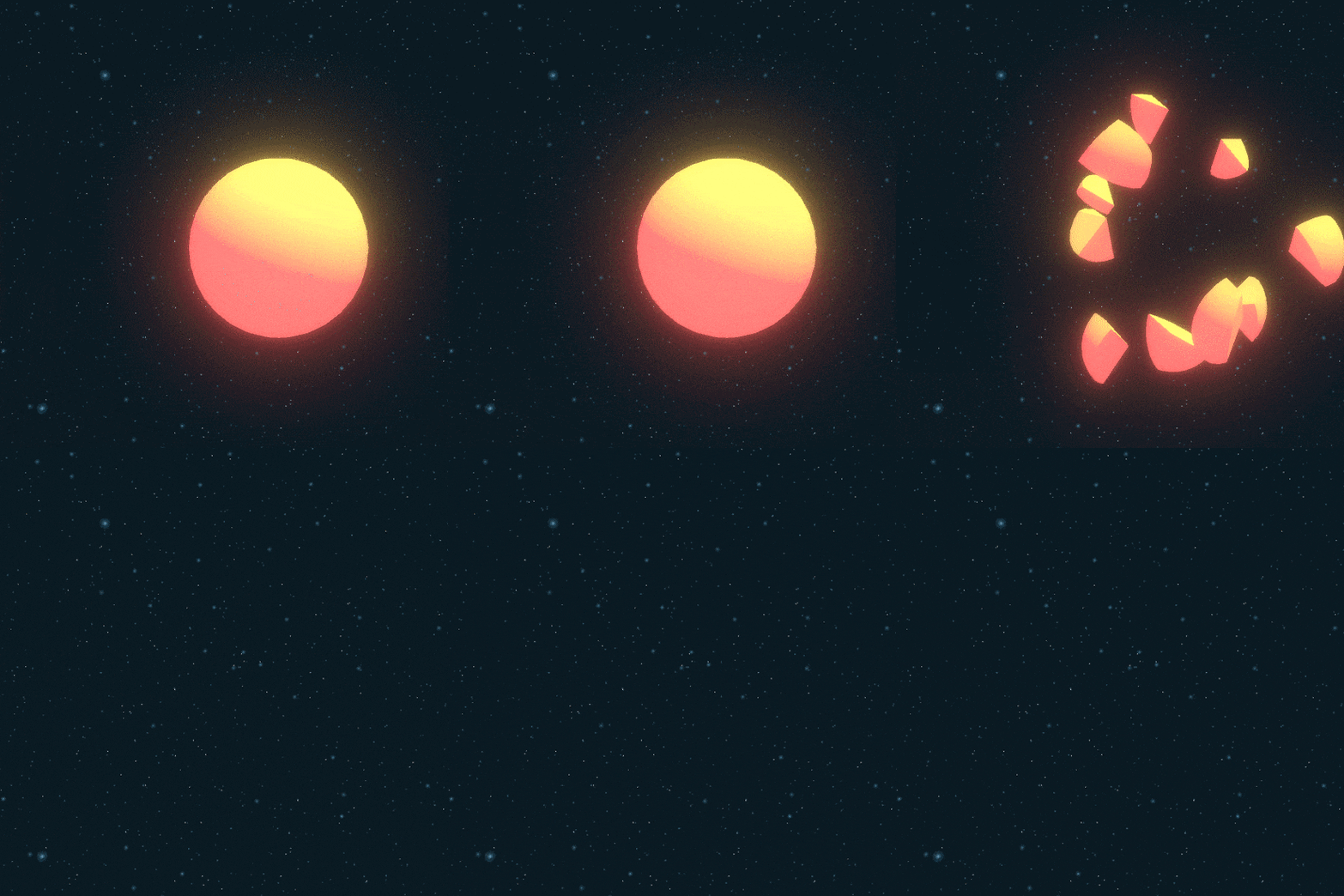
The objective for this project was to create a quick setup tool for assets that needed to be shattered during gameplay.
The scope ended up expanding into also including a 'Destructible Manager', which handled object pooling of spawned destroyed elements, to manage performance on large scale use.
Below is an example video showcasing the setup, as well as some sample results of the destruction, using primitives.

Laser Dissolve Effect
Project Type
Editor Tool
Software Used
Unity
This started out as a simple shader I wanted to create and expanded into a personal mini-project.
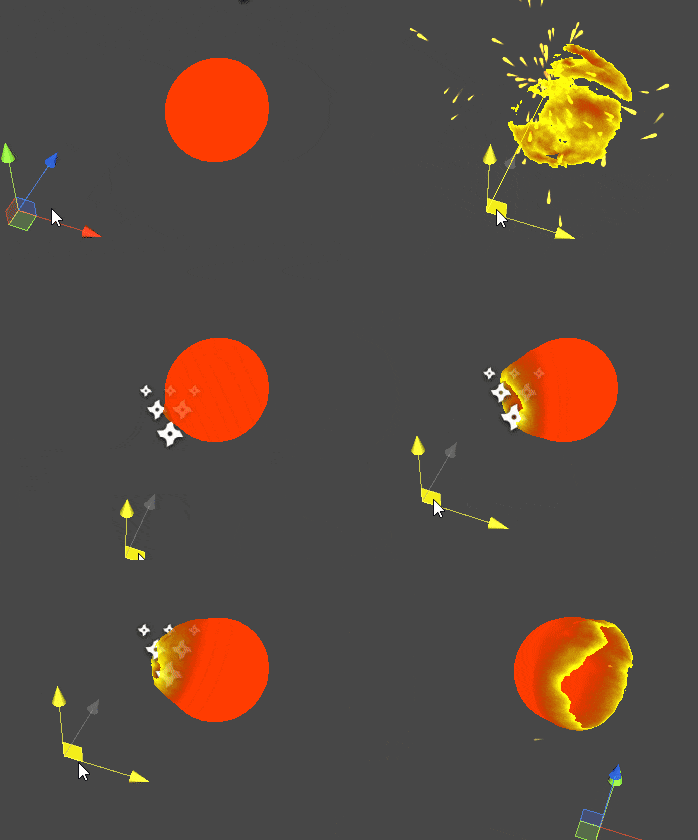
The purpose of this effect is to use a source to aim at and melt/dissolve away a mesh, though the effect is used on a simple sphere here for demonstration, the shader math is applied in world space, so it can be used on any mesh.
A short summary of the components:
-
The shader (screenshots below) takes a hit position to apply an opacity mask in object space
-
The VFX were simple shuriken particles, which I tuned to be triggered along with the effect
-
The rest was written in C#, which included a raycast component that triggered the effect and sent a position into the shader, and events to spawn the VFX particles.
The Shader


For those interested, here are the assets packaged up:
(NOTE: the files are meant for review, not as a functional package that works out of box)
Expensive Mesh Finder
Project Type
Editor Tool
Software Used
Unity
This project started out as a simple tool to use quick and dirty searching through a scene and find problematically high poly meshes in a busy scene.
At the time I worked at an enterprise studio where artists kitbashed from 3rd party assets a lot, so there were often assets that weren't vetted fully by devs. This allowed me to investigate certain performance issues easily.
All code is available on Github, but here are a few details:
-
The tool allowed for sorting results by a couple methods (first code snippet), so that users could sort either by vertex count or light map size
-
I included some filtering options to reduce results for usability
-
The key results were mesh filters, which allowed me to have the owning Game Object selected, so Artists could further investigate


