Senior Technical Artist
Custom Shaders
Below are various shaders and material editor materials created both for personal and client use.
Implementations include both node graph material editors, as well as some HLSL
Perot Artifax Shaders
Project Type
Educational AR Game
Software Used
Unity
I created a few custom shaders for this educational AR game exhibit at the Perot Museum in Dallas, by Groove Jones:
-
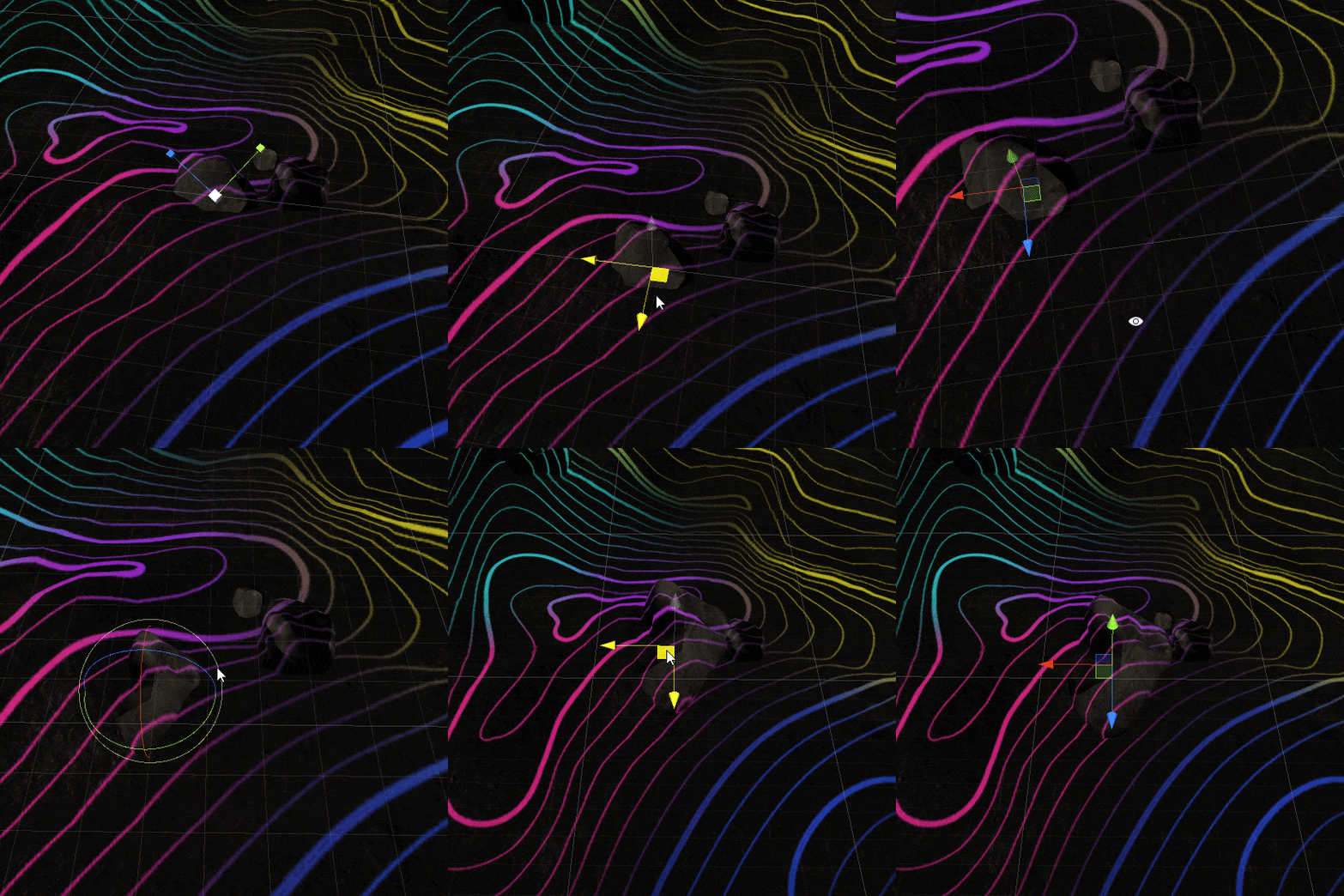
AR Dig Hole Effect- An effect that was used to separate the camera data from the digital visuals
-
Fossil Shader- The brief was to transition from a stylized to PBR look
-
Ground Coverage Shader- Set dressing needed seamless texture projection

1, Above- I used a cylindrical mesh with world space vertex displacement driven by a noise texture, along with a flat plane that had a pass through stencil cutout that worked together with the hole shader to seamlessly follow the edge
2, Below- The stylized look used a custom texture with planar mapping (to integrate well with the floor projection), which then interpolated between the PBR look when the fossil was identified through gameplay.

3, Below- We wanted the text to appear on the surface of the 3D set piece, but without deform on bezels or misaligning with a separate piece- we ended up using a custom mesh with a stencil buffer that the set piece wrote to, like a mask.
For context, here is a sizzle reel for the App:
ATT Recruitment App Shaders
Project Type
Enterprise VR Training
Software Used
I integrated the majority of the visuals with the exception of UI for this training app by Groove Jones, including the shaders:
-
Startup sequence reveal effect- CD wanted the experience to start completely dark and reveal a city in front of users
-
Environmental Pulse- When users select certain options on the UI, a world space pulse was to emanate from them on the floor
-
Scrolling wall text- the client wanted very legible copy to appear superimposed on the 3D set piece
Unity

1, Above- Using world position in the shader, we can make a radial gradient that can serve as a mask. Then we simply animated the radius when appropriate to reveal the buildings.
2, below- Very similar math with a one minus lets us mask both sides of a radius, which gives us a pulse ring, which was used for the floor pulse here.

3, Below- We wanted the text to appear on the surface of the 3D set piece, but without deform on bezels or misaligning with a separate piece- we ended up using a custom mesh with a stencil buffer that the set piece wrote to, like a mask.

For context, here is a sizzle reel for the App:
Stylized Character Shader
Project Type
Personal Shader
Software Used
This shader was created for Groove Jones in a UFC fight game on Oculus GO, using Amplify Shader Editor. We needed to push certain stylistic details that were not possible with Unity standard shaders- the following features were requested:
Ability to tune shadow definitions and specularity details.
(Fake) SSS. To save on perf, I faked SSS with a modified AO bake for thickness and some color parameter tuning.
Damage effects. I created a texture with a masking layer in the alpha channel.
Unity, Amplify Shader Editor
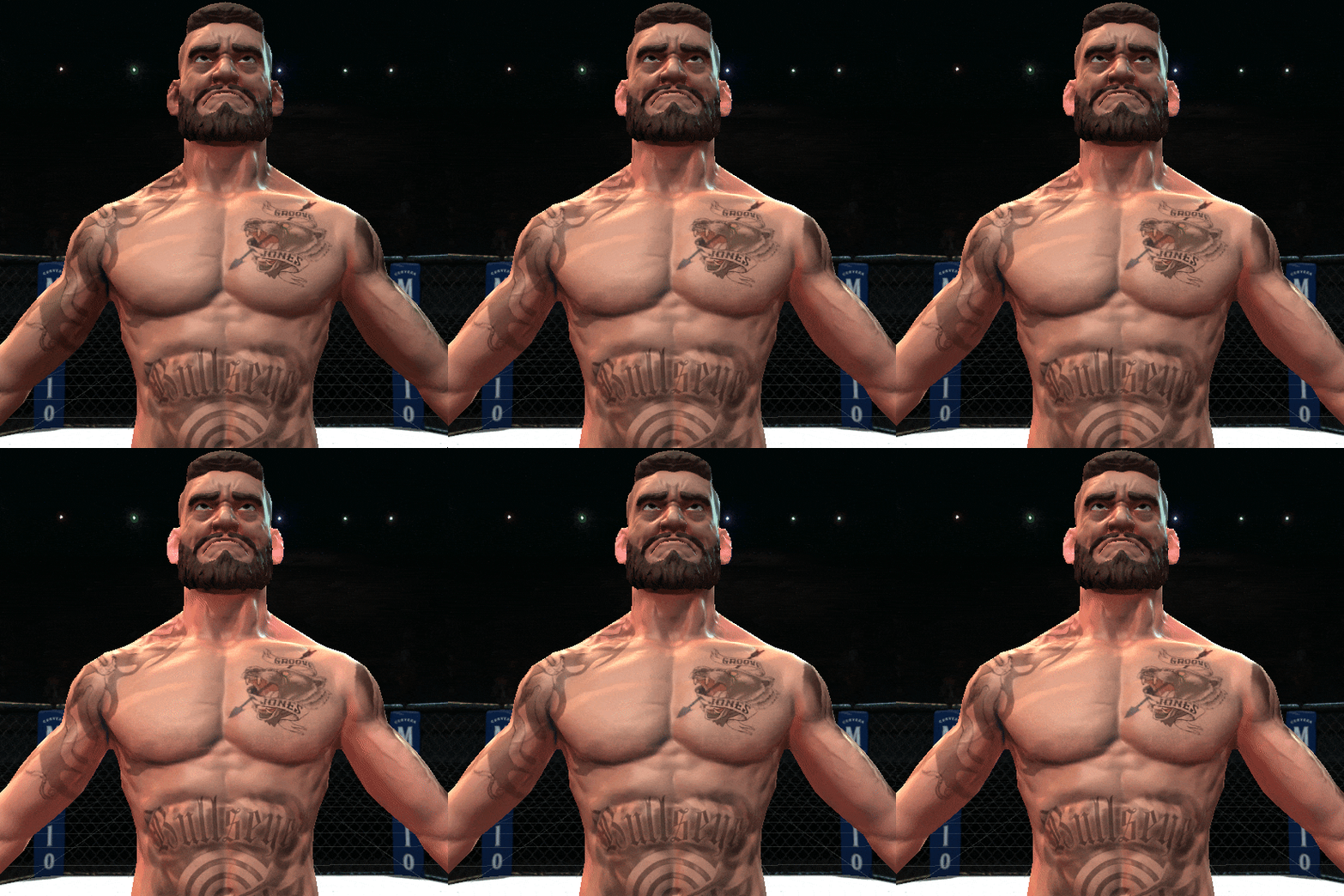
Fake SSS dialing in and out, to illustrate the effect of the thickness map contribution

Damage texture dialing in, which was controlled dynamically when opponent was damaged.
Ideal VR Training App Shaders
Project Type
Enterprise VR Training
Software Used
In addition to general asset/gameplay integration and UI, I created the shaders for this enterprise training app by Groove Jones:
-
Environment shader- custom unlit shader that we used a pre-rendered stylized environment for, to save on perf
-
Tool Shader- PBR shader with some custom effects for gameplay
-
Pulse Reveal shader- similar, but for gameplay elements like conduit
Unity

I made a few simple effects for the tool shader, shown above:
-
Fresnel pulse- to indicate to users when a tool is grabbable
-
Outline - to indicate to users when their hand is within the radius they can actually grab it
-
Dissolve- to gracefully transition the tool out of sight if they were dropped and then teleported back to toolbench

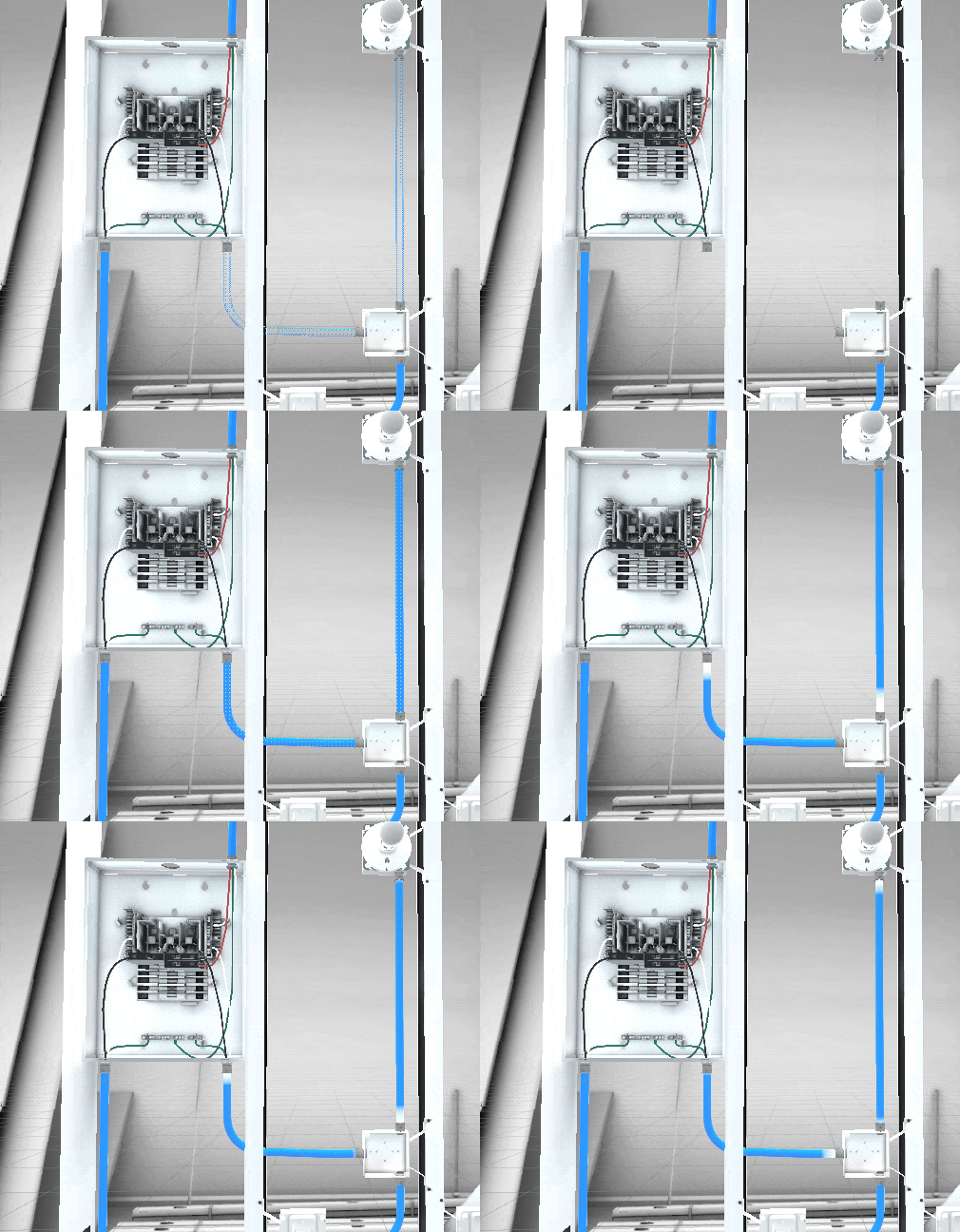
Another custom shader created was the conduit shader, shown above:
-
Zone indication- dithered fresnel outline of the mesh
-
Reveal effect- UV based animation to make the mesh solid
-
Pulse effect- additive UV based animation indicating flow of electricity

For Context, here is a sizzle reel of the App:
Mobile-friendly Refraction Glass Shader
Project Type
Personal Shader Exercise
Software Used
I created this shader in HLSL, as an exercise in optimization for mobile VR.
Most solutions I found on the Unity Asset Store at the time would tank framerate on the (now ancient) Quest 1, costing up to ~12ms on a simple sphere (40 fps in my test scene). This version costed ~1.5ms in the same scene (at 72 fps). Still not quite practical, but granted at the time mobile VR hardware was very limited.
Unity, HLSL
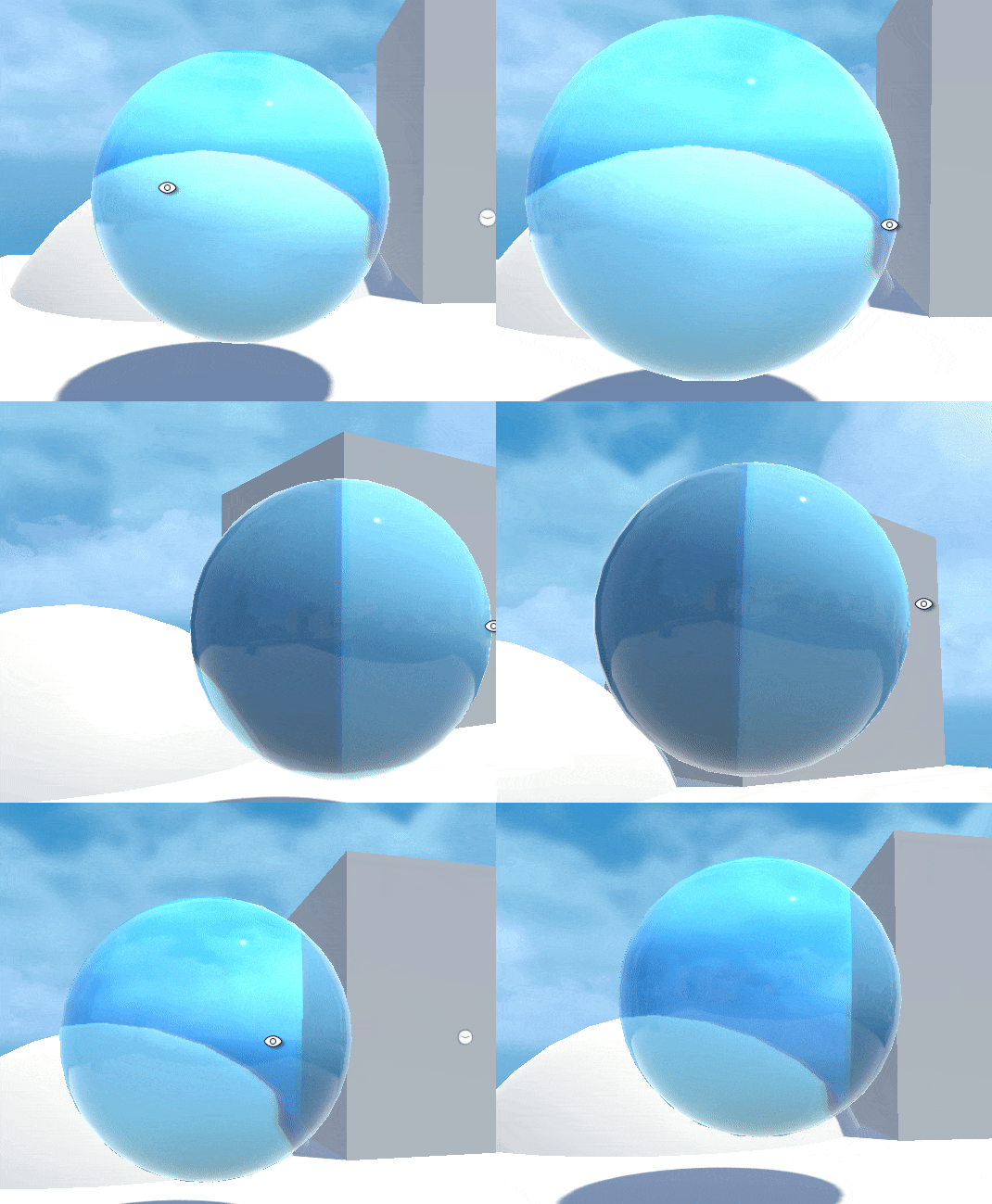

As this one is a surface shader, it was pretty trivial to have a normal map input as well.

Hologram Shader
Project Type
Personal Shader
Software Used
Unity, HLSL
I made this shader in HLSL, as an exercise in understanding realtime engine render pipelines.
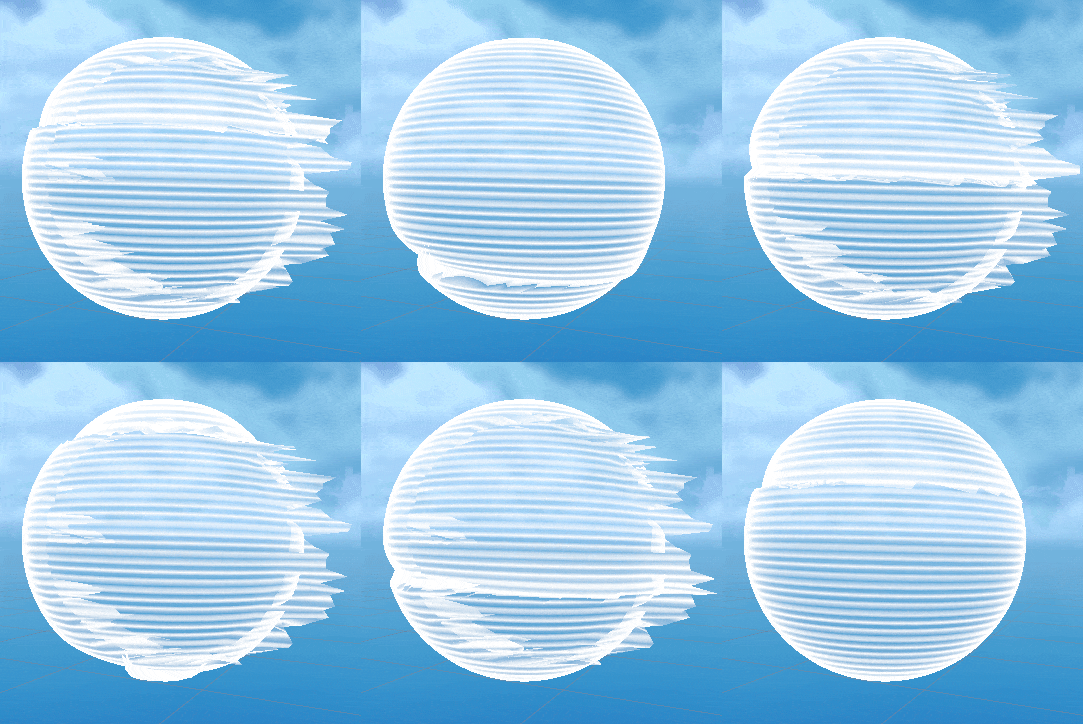
Many hologram shaders exist and often use screenspace distortion, but a constraint I placed on myself was to attempt to create the effect using only vertex displacement in world space.
Below I've included some code snippets of my exploration.

This 'PulseLine' function returns a single thin gradient line which is used later to slide down the length of the object.

The 'glitch' function returns essentially a parameterized pseudo-random number to offset vertices for the intermittent glitch that happens in the effect. This is encased in a compiler time 'if' check, and will be removed from the compiled code if a user unchecks 'Use Vertex Offset'

You can download the full shader code here: